How to get started with Dropbox
Upload, organize, back up, and share your files
Welcome to Dropbox. Here's how to get started in just a few simple steps. I'm Calvin, and I'll walk you through the essentials to get you set up in about a minute.
A great way to start is by adding a file. Click new under the search bar, scroll down to upload, and choose your file by clicking or dragging and dropping.
To stay organized, click folder, name it, choose who has access, and drag your files right in.
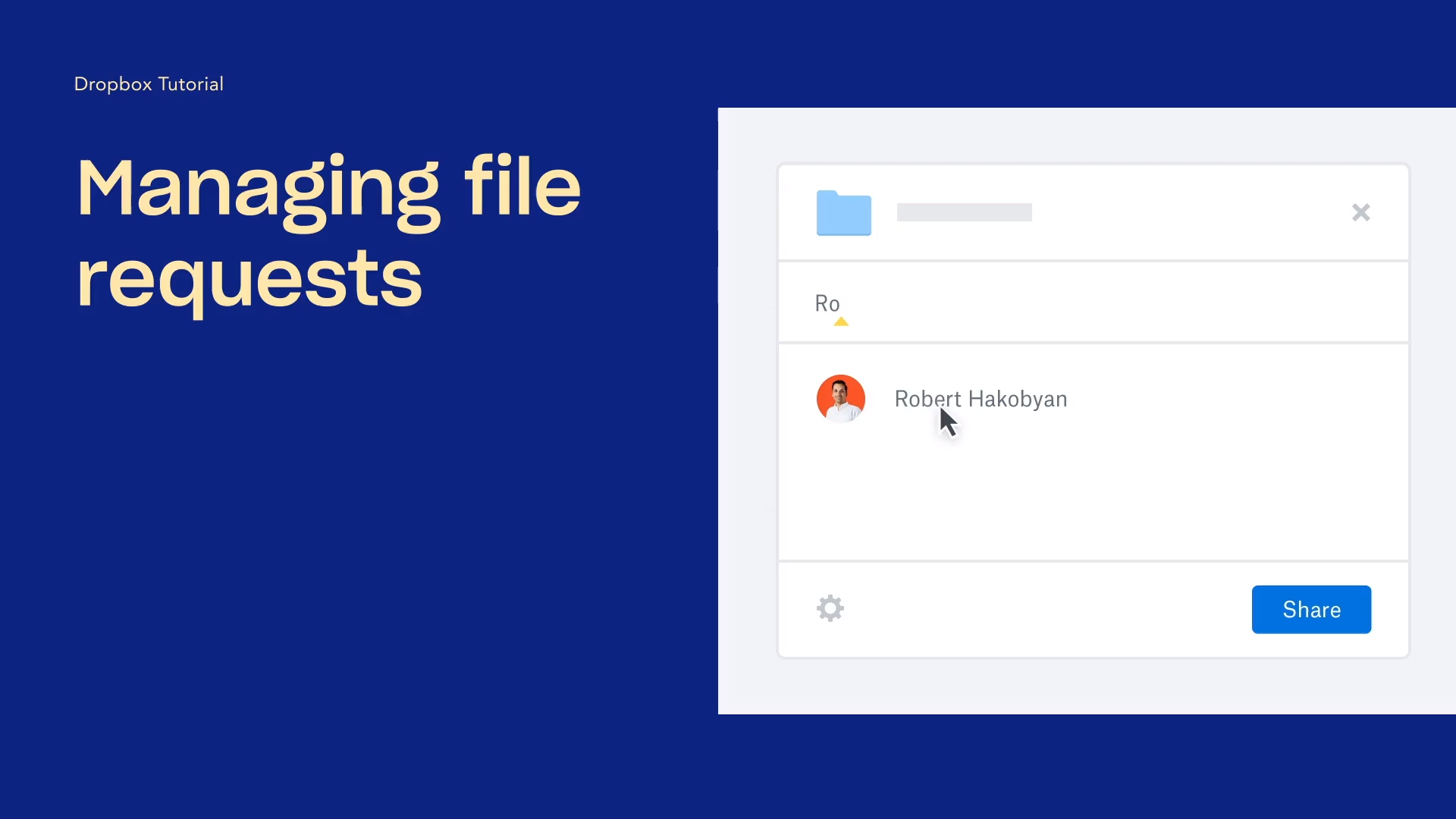
You can also install the desktop and mobile apps to reach your files from anywhere. Open the Dropbox app, navigate to your profile icon, go to preferences, then backups, Click manage backups and follow the steps to start the process of protecting your computer's folders automatically. Dropbox will keep a copy in the cloud. Sharing's just as easy. Hover over any file or folder, click share, then add people, or copy a link to send to anyone. Just choose whether they can edit or view only.
That's it. You've got the basics of getting started with Dropbox with your photos, videos, documents all in one place. Place. If this helped, share it with someone who needs it. And if you enjoyed this type of content, please like and subscribe to our channel where we'll be bringing you more creative ways on how to use Dropbox. Thanks for watching.