ヘルプセンター
コミュニティ
お問い合わせ
ログイン
詳細
自分のペースで進められるトレーニング
ビデオ
自分のペースで進められるトレーニング
ビデオ
Dropbox について学ぶ
動画ライブラリ
動画チュートリアル
Dropbox の機能を使いこなし、トラブルシューティングを行う方法を説明する短い動画。必要なトピックを検索して、始めましょう。
フィルタ
カテゴリ
アカウントのアクセス
アカウント設定
作成とアップロード
削除と復元
インストール
整理
製品
セキュリティ
共有
同期
閲覧と編集
ウェビナー
サブカテゴリ
ファイルにコメントする
ファイルやフォルダの作成
削除
Dropbox のアプリケーション
Dropbox Dash
アカウントへのアクセスを管理
モバイル アプリ
オンデマンド トレーニング
Replay
復元
巻き戻す
アカウント内の検索
ファイルやフォルダを共有する
共有権限
ログイン
チームのアクセス権
チーム フォルダ
チームのセキュリティ
Transfer
クリア
Team access
How to verify a domain and turn on Dropbox account capture
Learn how Dropbox admins verify a domain to enable domain insights and account capture.
Team security
Dropbox が提供するランサムウェア対策
Dropbox が早期検出アラートによってランサムウェア攻撃からチームを保護する仕組みをご覧ください。
Sharing files and folders
Creating files and folders
Team folders
Team access
Team security
年管理者向けウェルカム動画
Set up your team and navigate the admin console to get started quickly.
Team folders
Team access
Team security
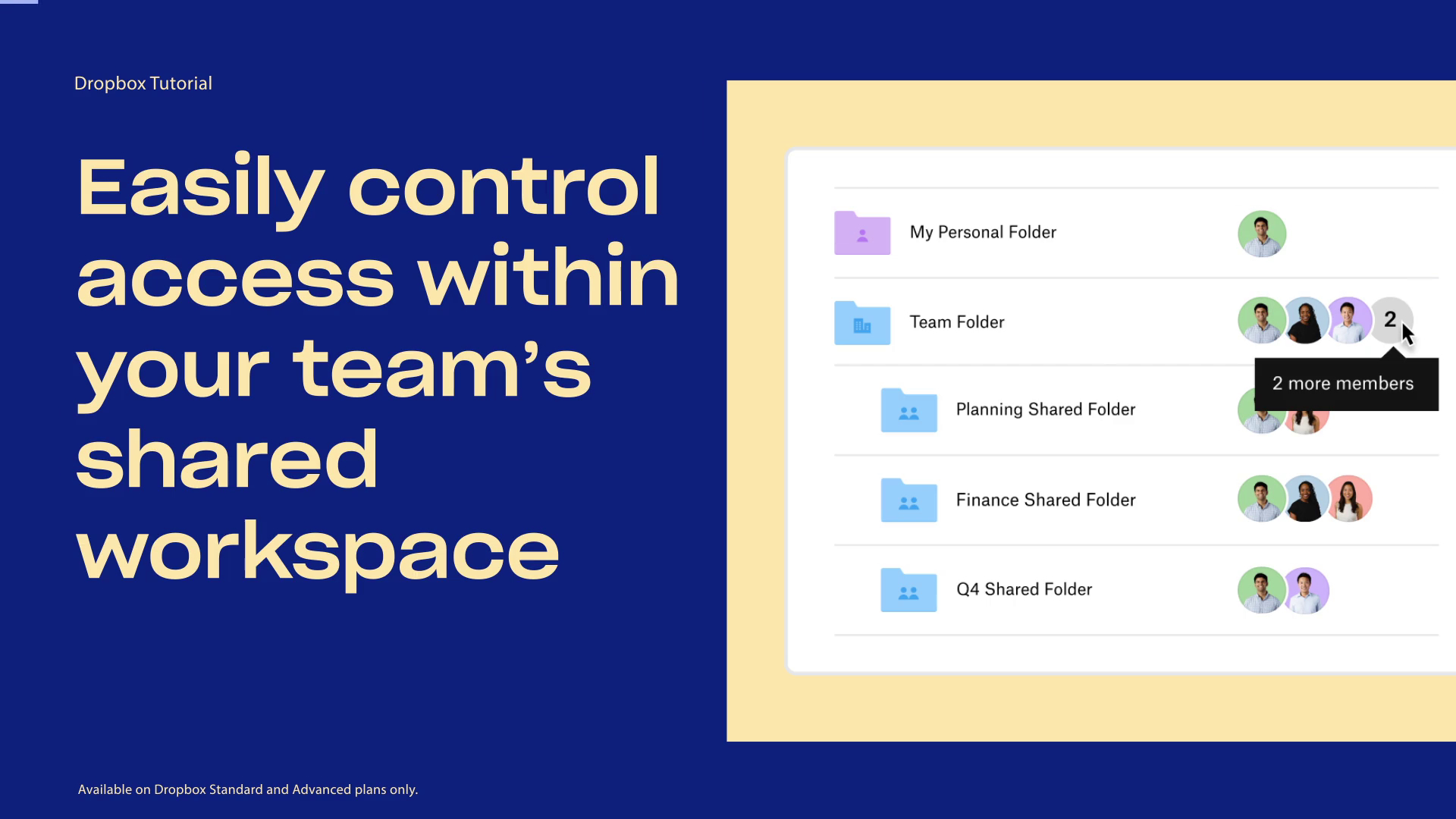
How to control access to shared folders in the team space
Learn how you can manage and restrict access to shared folders in your team workspace.
Restore
Delete
Rewind
Dropbox Backup の概要
パソコンや外付けハード ドライブにあるファイルの、安全なバックアップおよび復元の方法をご覧ください。
Mobile app
How to turn on camera uploads in Dropbox
Turn on Dropbox camera uploads to automatically back up photos and videos.
Replay
Dropbox Replay:概要
Dropbox Replay を使用して、動画の共有、レビュー、フィードバックを 1 か所で簡単に行う方法をご覧ください。
Team security
Team access
How Dropbox keeps your files secure
Learn how Dropbox protects your files with built-in security features.
Team access
Enterprise console: invite teams to your organization
Set up federated teams and invite teams to your organization via the Enterprise console.
How to install Dropbox on Windows and Mac
Install the Dropbox desktop app on Windows or Mac and start syncing files.
Searching your account
Dropbox の画像検索
短いチュートリアル動画で、Dropbox の画像検索の概要と機能をご覧ください。
Sharing files and folders
Sharing permissions
新しい Dropbox プラン
新しい Dropbox プランなら仕事を整理して効率化できます。この動画で詳細をご覧ください。